
New Connectors Available!
Import your data from AppLovin and Mixpanel directly into your favorite reporting tools.


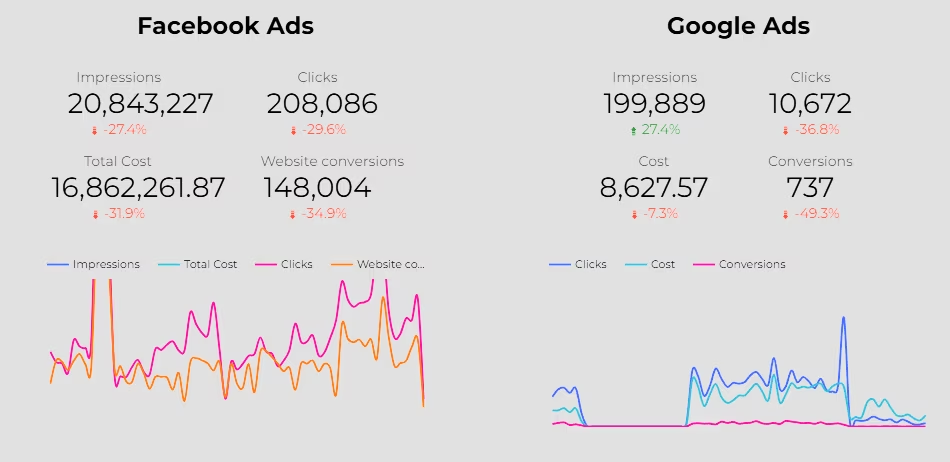
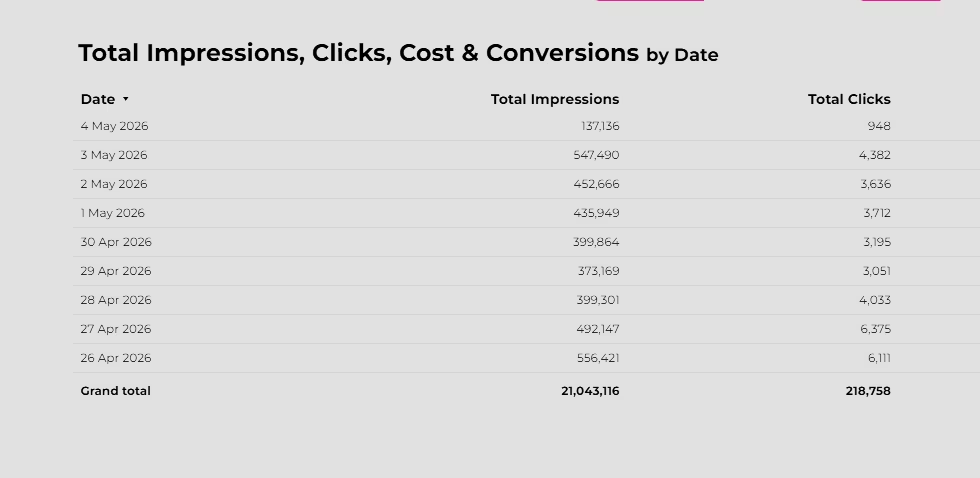
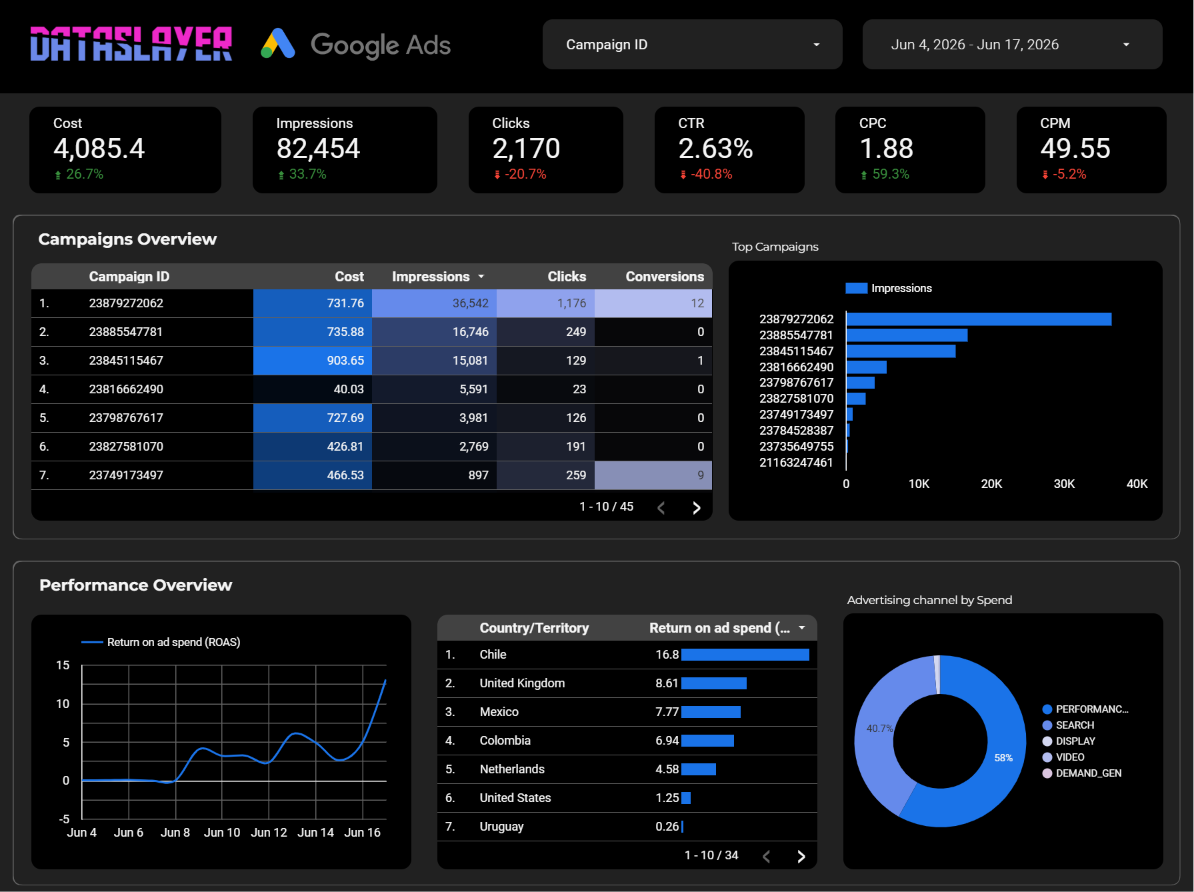
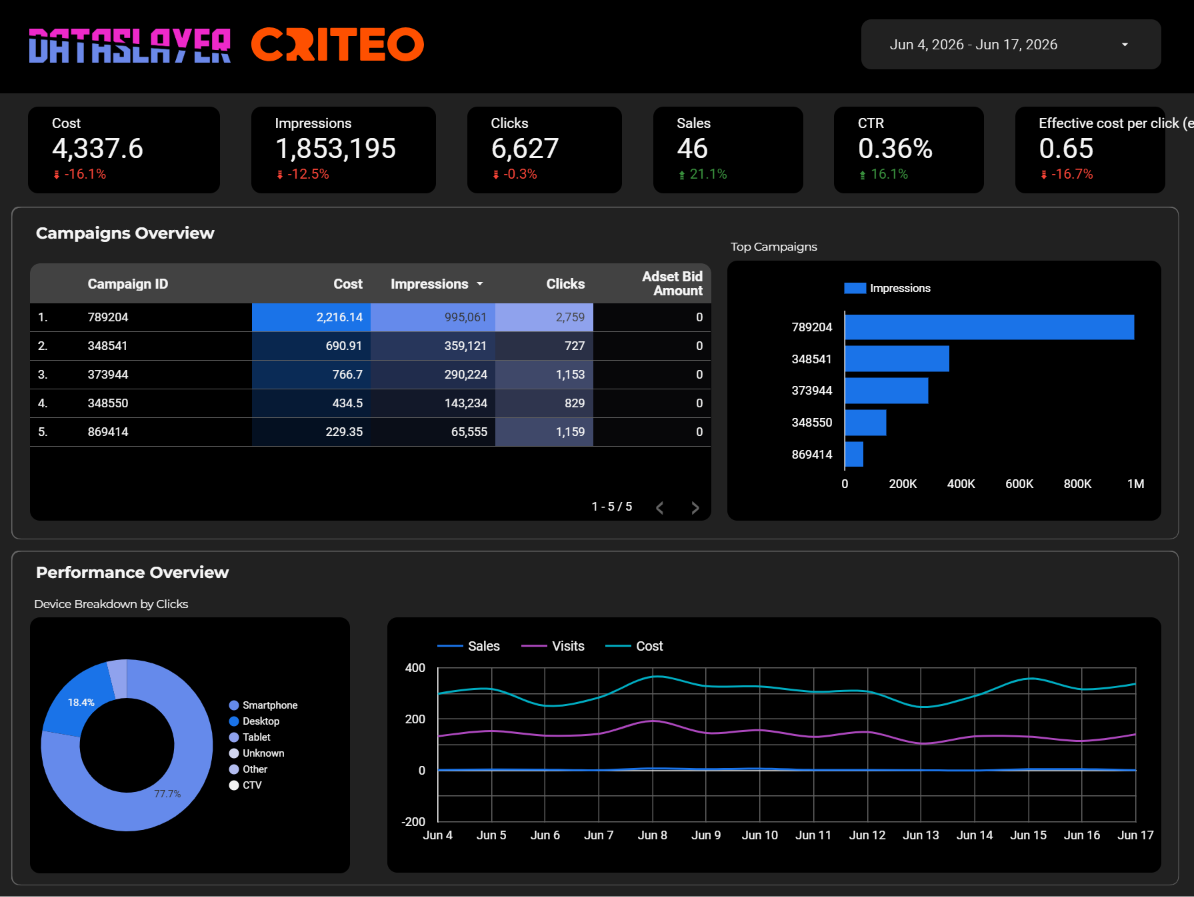
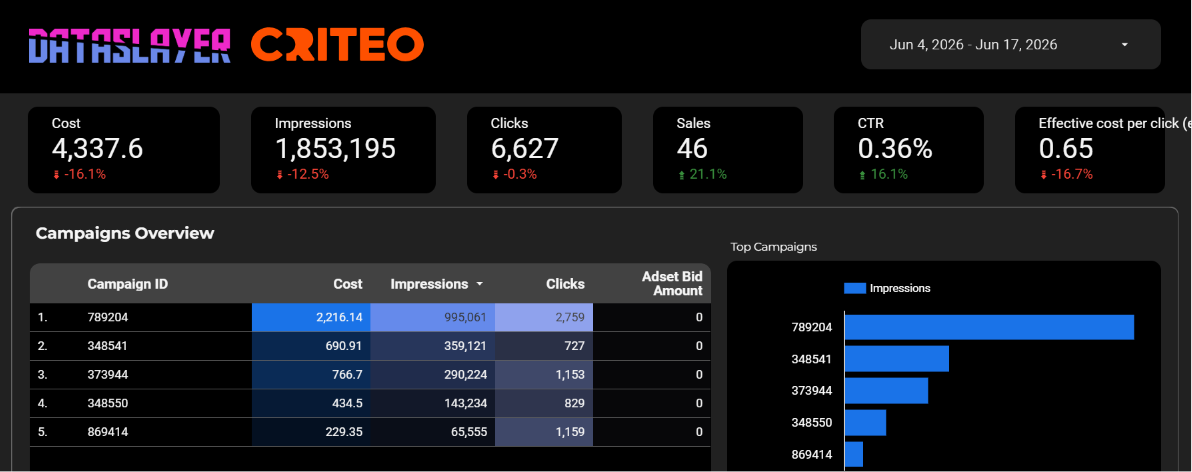
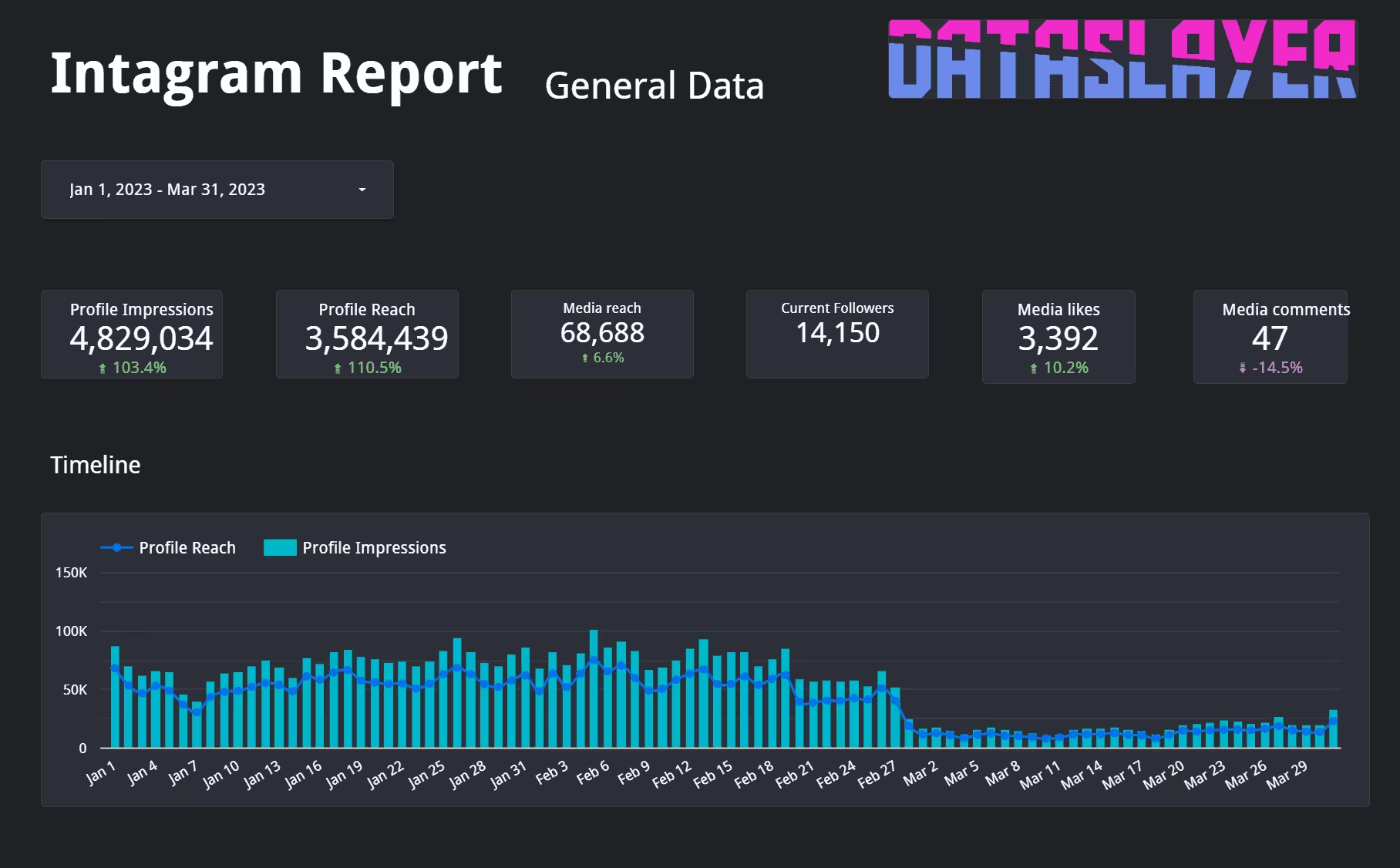
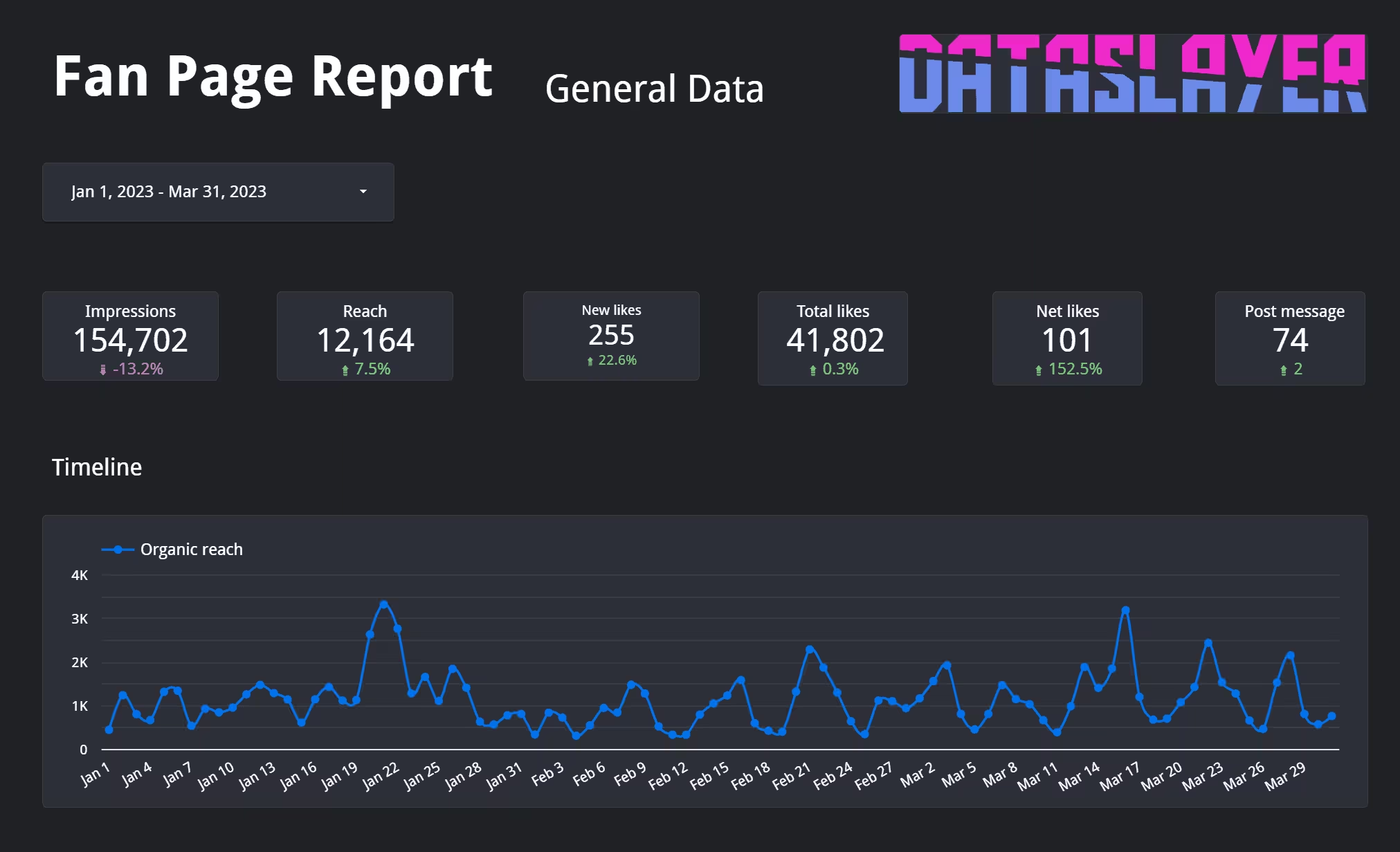
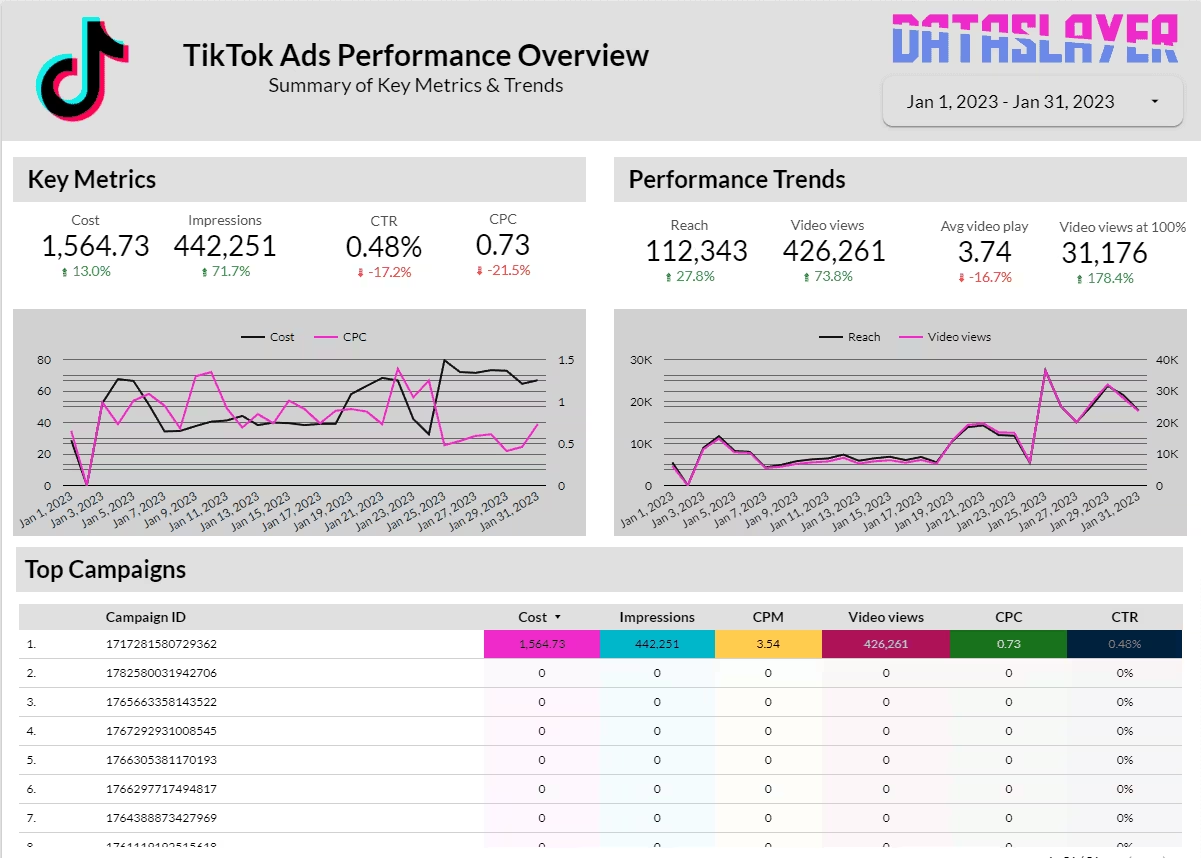
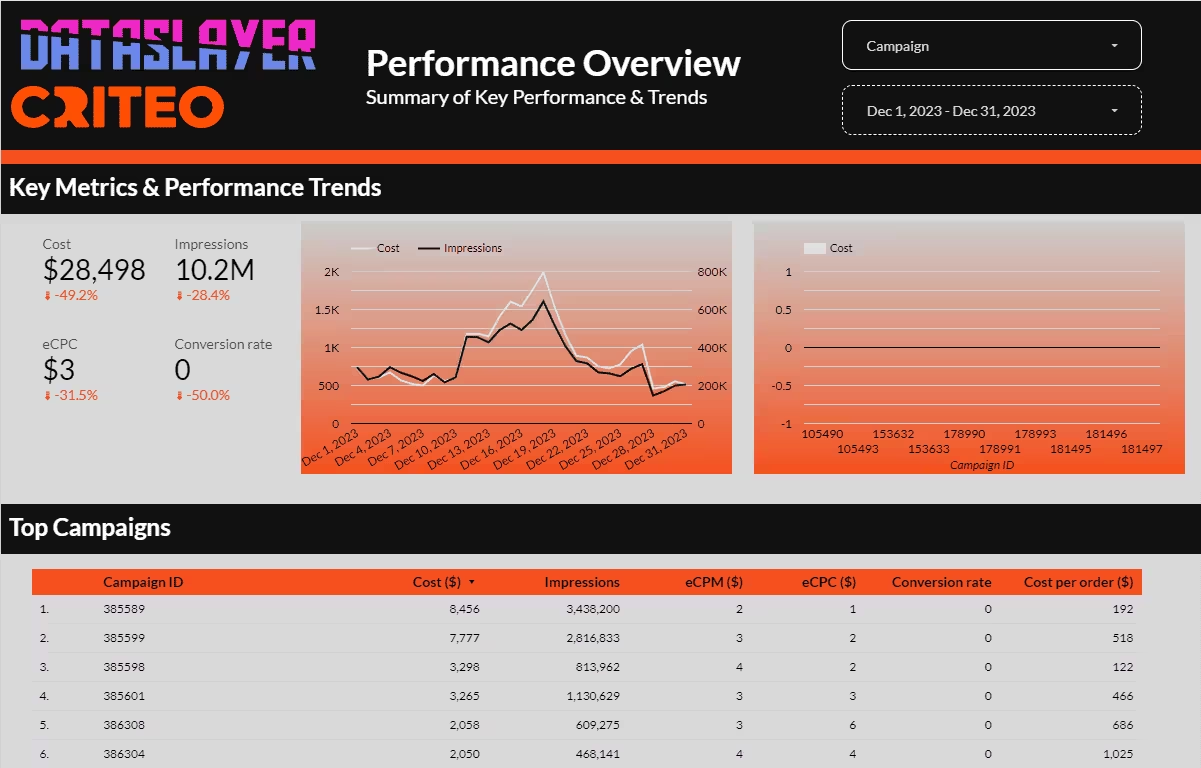
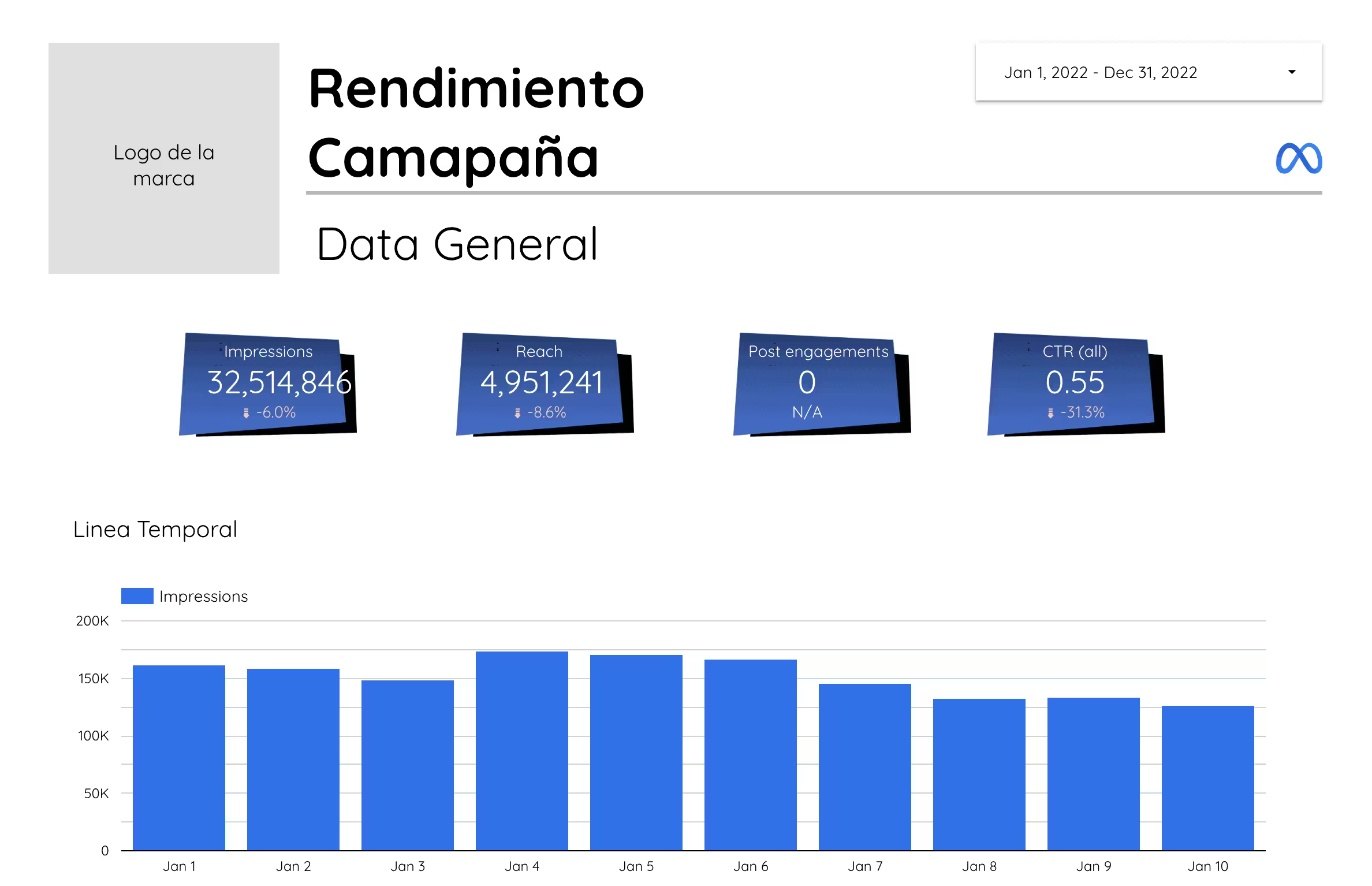
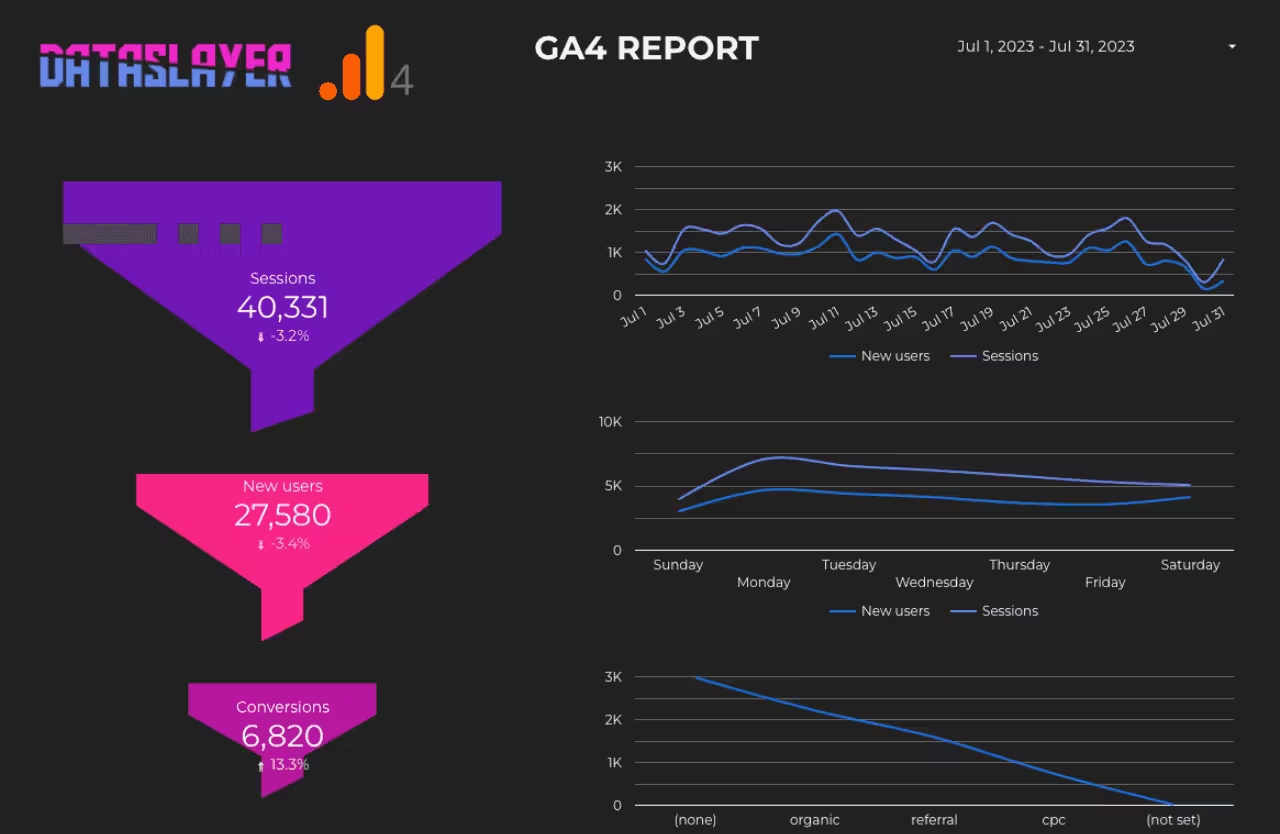
Supercharge your reporting with our curated collection of Google Sheets and Data Studio templates. Start visualizing and making data-driven decisions right away, skipping the hassle of manual setup and configuration.
Using our templates is very easy. You just have to:
1. Open a new document in Google Sheets
2. Click on "Extensions"
3. Then click on "Dataslayer"
4. When the drop-down opens, click on "Template gallery"
5. Done! The only thing left to do is to select the template you like the most




Using our templates is very easy. You just have to:
1. Open a new document in Google Sheets
2. Click on "Extensions"
3. Then click on "Dataslayer"
4. When the drop-down opens, click on "Template gallery"
5. Done! The only thing left to do is to select the template you like the most



Using our templates is very easy. You just have to:
1. Open a new document in Google Sheets
2. Click on "Extensions"
3. Then click on "Dataslayer"
4. When the drop-down opens, click on "Template gallery"
5. Done! The only thing left to do is to select the template you like the most
Using our templates is very easy. You just have to:
1. Open a new document in Google Sheets
2. Click on "Extensions"
3. Then click on "Dataslayer"
4. When the drop-down opens, click on "Template gallery"
5. Done! The only thing left to do is to select the template you like the most
Using our templates is very easy. You just have to:
1. Open a new document in Google Sheets
2. Click on "Extensions"
3. Then click on "Dataslayer"
4. When the drop-down opens, click on "Template gallery"
5. Done! The only thing left to do is to select the template you like the most

Using our templates is very easy. You just have to:
1. Open a new document in Google Sheets
2. Click on "Extensions"
3. Then click on "Dataslayer"
4. When the drop-down opens, click on "Template gallery"
5. Done! The only thing left to do is to select the template you like the most
Using our templates is very easy. You just have to:
1. Open a new document in Google Sheets
2. Click on "Extensions"
3. Then click on "Dataslayer"
4. When the drop-down opens, click on "Template gallery"
5. Done! The only thing left to do is to select the template you like the most
Using our templates is very easy. You just have to:
1. Open a new document in Google Sheets
2. Click on "Extensions"
3. Then click on "Dataslayer"
4. When the drop-down opens, click on "Template gallery"
5. Done! The only thing left to do is to select the template you like the most
Using our templates is very easy. You just have to:
1. Open a new document in Google Sheets
2. Click on "Extensions"
3. Then click on "Dataslayer"
4. When the drop-down opens, click on "Template gallery"
5. Done! The only thing left to do is to select the template you like the most
Using our templates is very easy. You just have to:
1. Open a new document in Google Sheets
2. Click on "Extensions"
3. Then click on "Dataslayer"
4. When the drop-down opens, click on "Template gallery"
5. Done! The only thing left to do is to select the template you like the most