


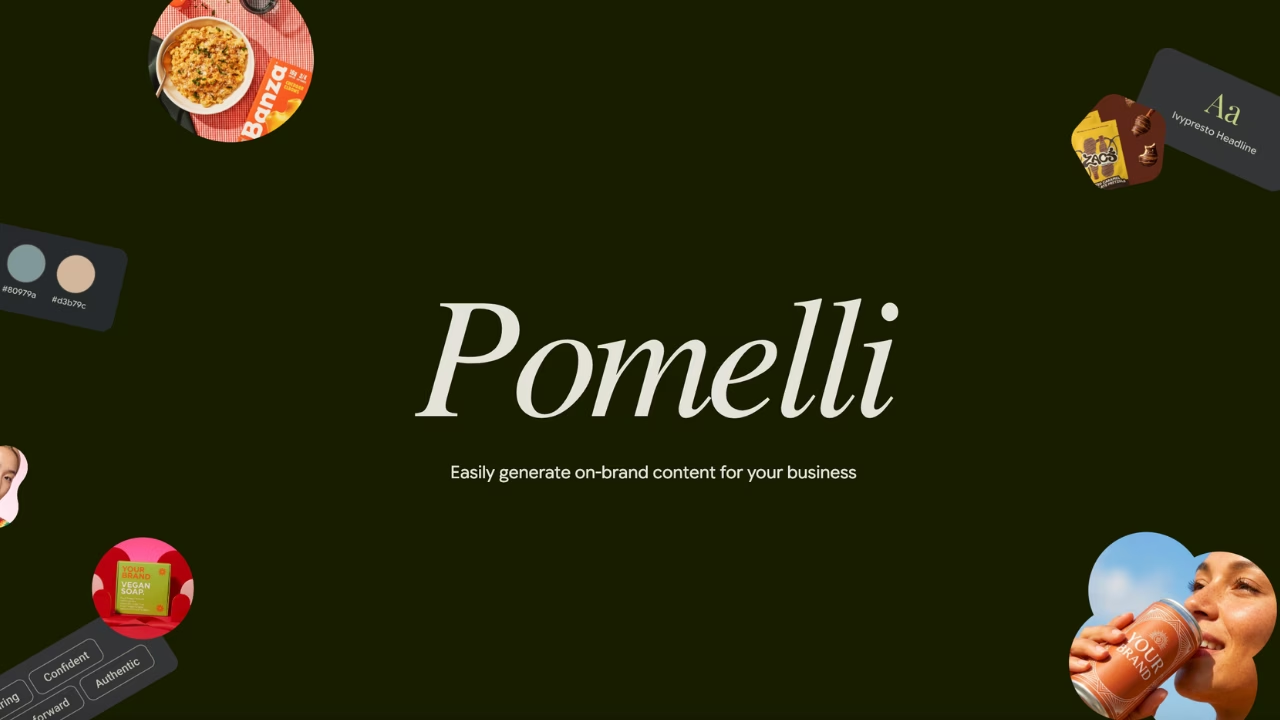
Pomelli, Google's experimental AI tool, scans your website and generates a full set of on-brand ad creatives in about 60 seconds. No brief, no designer, no back-and-forth. For anyone managing Google Ads without in-house creative support, that's a meaningful shortcut.
But Pomelli gives you 8 to 10 variants with no performance data attached. You pick the one that looks best, upload it, and move on. Three weeks later you have no idea whether it's converting at $12 or $80 per lead, or whether a different variant would have done twice the work.
This is a workflow guide for the full picture: how to generate Google Ads creatives with Pomelli, and how to connect that to actual campaign data so your next iteration is based on evidence, not instinct.
What Pomelli Does, and Where It Stops
Pomelli was launched by Google Labs in partnership with Google DeepMind in October 2025. It builds a "Business DNA" profile from your website URL, extracting brand colors, fonts, tone of voice, and visual style automatically. From there, it generates platform-ready marketing assets: social posts, email banners, and ad creatives including formats suited for Google Ads. A February 2026 update added Photoshoot, which turns a single product image into studio-quality campaign photography.
What it doesn't do: push anything to Google Ads directly, track performance, or tell you which of its outputs worked. The tool ends at download.
If you only use Pomelli for the creation side, you're doing half the job. The other half is knowing which creative to scale.
The Pomelli + Google Ads Workflow: From URL to Knowing What Converts
1. Generate 5 to 8 variants, not just one
Open Pomelli, enter your URL, and use a specific campaign prompt, something like "lead generation for marketing agencies, highlight time savings on reporting" rather than just "campaign for my SaaS." Pomelli produces better output with narrow context. Download more variants than you think you need; you're looking for genuine creative diversity, not just volume.
2. Label every variant before it goes anywhere near Google Ads
Name each creative clearly: pomelli-v1-timesaving, pomelli-v2-reporting, and so on. If all 5 variants live in the same ad group with no labels, you'll never isolate which one drove a conversion. Use separate ad groups per variant, or at minimum use Google Ads' asset reporting with distinct naming conventions.
3. Add UTM parameters per variant
Add utm_content=pomelli-v1, utm_content=pomelli-v2, etc. to each variant's destination URL. This is the only way to distinguish between creatives in GA4 at the session level. Without it, your analytics will show campaign-level data only, and you'll have no signal for the next iteration.
4. Connect Google Ads to a reporting layer
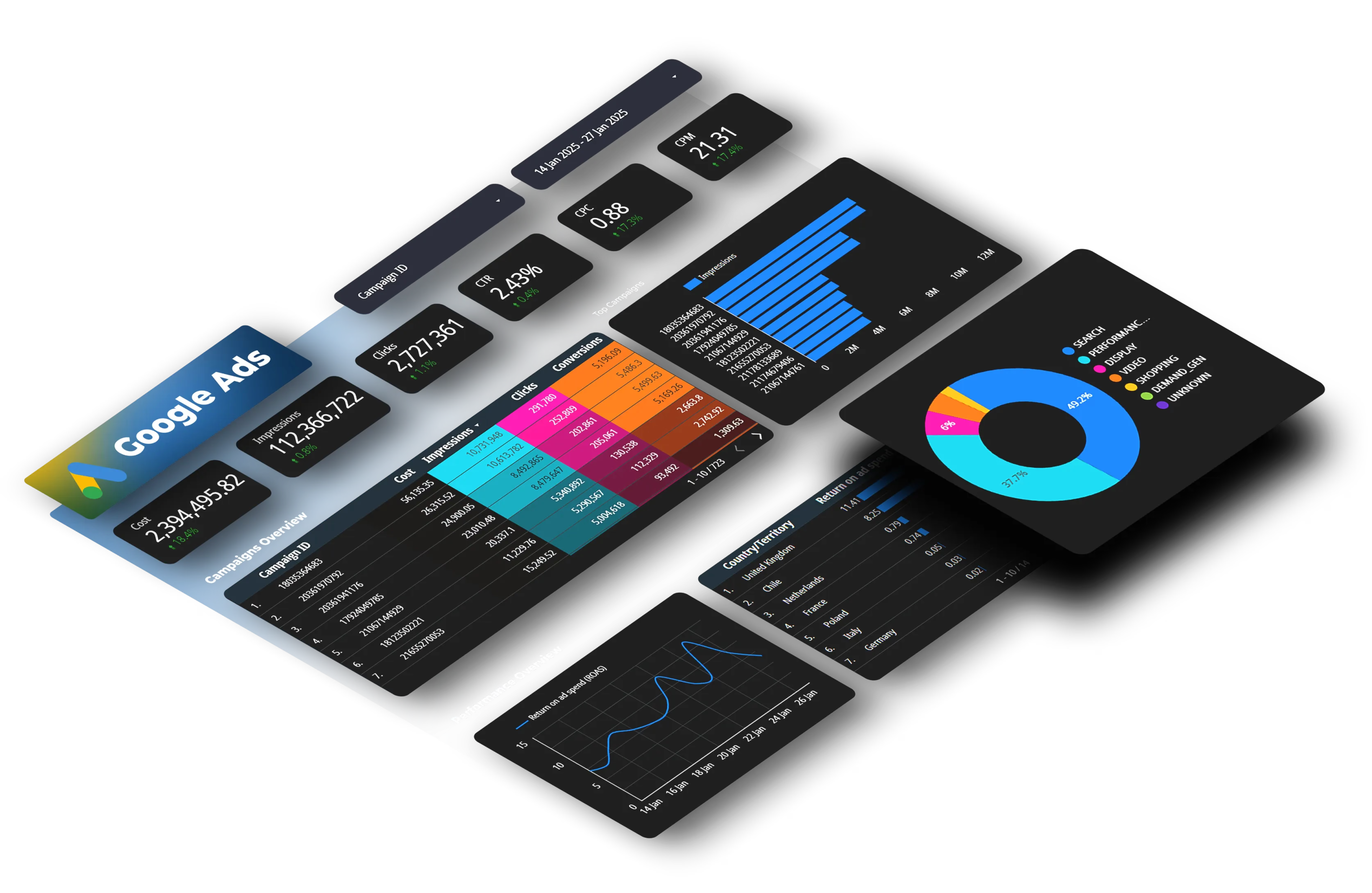
Once campaigns are live, connect your Google Ads account to Dataslayer and pull asset-level data (impressions, clicks, conversions, cost, CPA) directly into Sheets or Looker Studio. This updates automatically, so instead of exporting from Google Ads Manager, you have a live dashboard showing exactly which Pomelli variant is performing.
5. Let the data pick the winner, then prompt Pomelli again
After 7 to 14 days and enough impressions, your data tells you which creative angle has the best CPA and conversion rate. Take that angle: the headline theme, the visual style, the specific copy hook, back to Pomelli as your next prompt. Generate 5 new variants built around it. Pause what's underperforming. This is how creative testing works when generation and measurement are connected.
Why Pomelli Alone Isn't a Testing Process
The temptation with any fast creative tool is to treat output as a finished product. Pomelli generates something that looks polished, so it feels like the job is done. But a creative that looks on-brand and a creative that converts are different things, and there's no way to know the difference without data.
Google Ads' native asset reporting does show impression and click data per headline and description, but it's limited to one campaign at a time, doesn't connect to GA4 conversion data, and makes it difficult to compare variants across campaigns over time. For a freelancer managing three accounts or an agency managing thirty, that's a significant gap.
Running Pomelli outputs through a measurement layer means you're building something more useful than a library of creatives: you're building a record of what your specific audience responds to. After three or four testing cycles, your Pomelli prompts get sharper because you know which angles worked, and you stop guessing which creative to put budget behind.
What this looks like in practice: Say you generate four Pomelli variants for a lead generation campaign, each with a different copy angle: speed, cost savings, ease of setup, reporting quality. You upload each as a separate ad group with its own utm_content tag. After two weeks, your Dataslayer dashboard shows the reporting-angle ad group consistently outperforming the others on CPA. That finding wouldn't be visible in Google Ads' native interface, which doesn't cross-reference UTM data with asset performance across ad groups. You take that angle back to Pomelli, generate five new variants built around it, and the next cycle starts with a much narrower brief.
Two things to check before you open Pomelli
Your website quality determines Pomelli's output quality. If your homepage has thin copy or outdated branding, the Business DNA extraction will reflect that. Pages with clear messaging and consistent visual identity produce noticeably better results. It's worth doing a quick pass on your homepage and main landing page before you run the scan.
Pomelli is free during its public beta, with no usage limits on generations. It launched in October 2025 with access limited to four English-speaking countries, which blocked most of the world from testing it. That changed in March 2026 when Google expanded to 170+ countries, including Spain, Mexico, Argentina, Colombia, and the rest of Latin America. The catch: Pomelli currently generates content in English only, so the ad creatives it produces won't match a Spanish-language campaign. For English-market Google Ads, or if you're targeting English-speaking audiences from any country, the tool works fully. For non-English campaigns, treat Pomelli as a starting point for visual assets and brief structure, then rewrite the copy in-language before uploading.
Conclusion
Pomelli is a fast, free way to produce on-brand Google Ads creatives without a designer. That part works. The part that doesn't come with the tool is knowing which creative to keep running and which to cut, and that requires connecting Pomelli's output to actual campaign performance.
The combination covered here: Pomelli for production, UTM parameters for attribution, Dataslayer for measurement, turns a one-off experiment into something repeatable. Each iteration costs less creative effort and produces better results because the previous cycle told you what your audience actually responds to.
If you haven't looked at Pomelli yet, the overview we published in November covers what the tool is and how it works. This is the next step.



