



You check Google Ads: 147 conversions this month. You open GA4: 112 conversions. Same campaign, same dates, but different reality.
Which number do you report? Which one's actually true?
Google Ads only sees its own clicks. GA4 sees everything, organic search, social, email, direct traffic. When you look at one platform alone, you're making budget decisions based on 40% of the story.
A unified attribution dashboard combines both platforms so you can see which channels actually drive conversions, not just which ones get the last click.
Why Google Ads Data Misses Half Your Customer Journey
A user's actual path to conversion looks like this:
Monday: Discovers your brand through organic search
Tuesday: Clicks your Facebook ad
Wednesday: Opens your email newsletter
Thursday: Clicks your Google Ad and converts
What Google Ads reports: 100% credit to Thursday's ad click.
What actually happened: Four touchpoints across four days.
Google Ads attribution models only evaluate touchpoints within your ad campaigns. If a user clicked a Facebook ad before converting through a Google ad, Google Ads won't factor that earlier click. This creates what's called "platform attribution myopia": each ad platform only tracks its own ecosystem and gives itself more credit than it deserves.
The numbers back this up. Meta reports 26% higher conversions on average compared to analytics tools due to modeled conversions and last-event attribution, while Google Ads over-attributes by 15-20% when Enhanced Conversions or Consent Mode V2 are active.
GA4 tracks all these interactions (paid, organic, social, email, direct) and uses machine learning to assign credit proportionally. That's why your numbers don't match. You're not looking at errors. You're looking at two different parts of the same journey.
Why Google Ads and GA4 Count Conversions Differently
Before building your dashboard, understand how each platform assigns credit.
GA4 Attribution: Cross-Channel View
GA4 offers three attribution models: Data-Driven (default), Paid and Organic Last Click, and Google Paid Channels Last Click. The Data-Driven model analyzes up to 50 actions over 90 days before conversion, using machine learning to evaluate which touchpoints actually influenced the outcome.
Default lookback windows:
- New user acquisition: 30 days
- Conversions: 90 days
Google Ads Attribution: Single-Platform View
Google Ads offers data-driven, position-based, and time decay models, but they're limited to Google Ads interactions only. A customer journey that includes Facebook, organic search, and email? Google Ads still attributes 100% to its own click.
This isn't a flaw. It's by design. Google Ads measures ad performance. GA4 measures complete user journeys.
Common Attribution Discrepancies
A 20-30% discrepancy in conversion data between Google Ads and GA4 is normal. These aren't tracking errors. They're measurement differences.
For more technical details on why these discrepancies happen, read our full breakdown: 8 Critical Reasons for Data Discrepancies Between Google Ads and GA4.
Essential Metrics for Your Attribution Dashboard
Campaign Performance Comparison
- Clicks (Ads) vs Sessions (GA4) shows traffic quality
- Conversions (Ads) vs Key Events (GA4) shows attribution gaps
- ROAS (Ads) vs Revenue/Spend (GA4) shows true profitability
Attribution Analysis
- First-touch sources: Which channels start journeys?
- Last-touch sources: Which channels close conversions?
- Assisted conversions: Which channels help but don't get credit?
- Conversion paths: What sequences lead to sales?
Data Quality Checks
- Variance % between platforms by campaign
- "(not set)" traffic percentage indicates tracking problems
- Missing gclid parameters indicate auto-tagging failures
Technical Setup Checklist
Before connecting any data, verify:
✓ Google Ads auto-tagging enabled (adds gclid to URLs)
✓ GA4 linked to Google Ads in property settings
✓ UTM parameters on non-Google campaigns
✓ Consistent conversion definitions across platforms
✓ Time zones aligned
If auto-tagging is turned off or redirects strip the gclid parameter, Google Ads tracking breaks completely. Check this first if you're seeing massive discrepancies.
How to Reconcile the Data When Numbers Don't Match
When Google Ads shows 150 conversions and GA4 shows 110, follow this diagnostic:
Step 1: Check conversion counting settings
Google Ads: Conversions → Settings → Count
GA4: Admin → Events → Key Events
If Google Ads counts "every" and GA4 counts "once per session," that explains the gap.
Step 2: Verify attribution models match
GA4: Admin → Attribution Settings
Google Ads: Tools → Attribution
Switching from Data-Driven to Last Click can change results by 15-25%.
Step 3: Look for view-through conversions
Google Ads tracks view-through conversions by default, while GA4 requires additional configuration. If Google Ads shows 40 more conversions, check if VTCs are enabled in both platforms.
Step 4: Audit tracking setup
- Use GA4 DebugView to verify events fire correctly
- Check Google Tag Assistant for auto-tagging issues
- Review GTM container for conflicting tags
For tracking under current privacy regulations, see: Track Google Ads After Consent Mode V2.
Real Example: European Agency Saves 20+ Hours Weekly
A European marketing agency managing 40 client accounts was spending 6 hours every week building attribution reports manually. Their process: export Google Ads data to CSV, pull GA4 conversions into separate sheets, match campaigns across both platforms, calculate variance percentages in formulas that broke monthly, then copy-paste everything into client decks.
After switching to automated dashboards with Dataslayer, initial setup took 15 minutes per client. Connect Google Ads, connect GA4, select date ranges, apply filters. Reports now update automatically overnight. No more CSV exports. No more broken formulas. No more manual matching.
Total time saved: 20+ hours weekly, reallocated to client strategy calls and campaign optimization. The variance alerts also caught 8 broken tracking setups across clients that were silently losing conversion data for weeks.
When Manual Reporting Stops Working
Building attribution dashboards manually requires:
- Exporting CSVs from Google Ads weekly
- Downloading GA4 data separately
- Creating calculated fields to match metrics across platforms
- Rebuilding formulas when column names change
- Manually cross-referencing campaign IDs
- Checking for tracking errors by eyeballing numbers
One API change from Google breaks everything. You spend Tuesday morning fixing formulas instead of analyzing data.
What Gets Automated
Automatic data syncing: Connect Google Ads and GA4 once. Data updates hourly, daily, or weekly. You choose the schedule. No more CSV exports.
Pre-built variance calculations: The dashboard automatically calculates conversion discrepancies by campaign and flags anything with >25% variance. You see broken tracking immediately, not three weeks later.
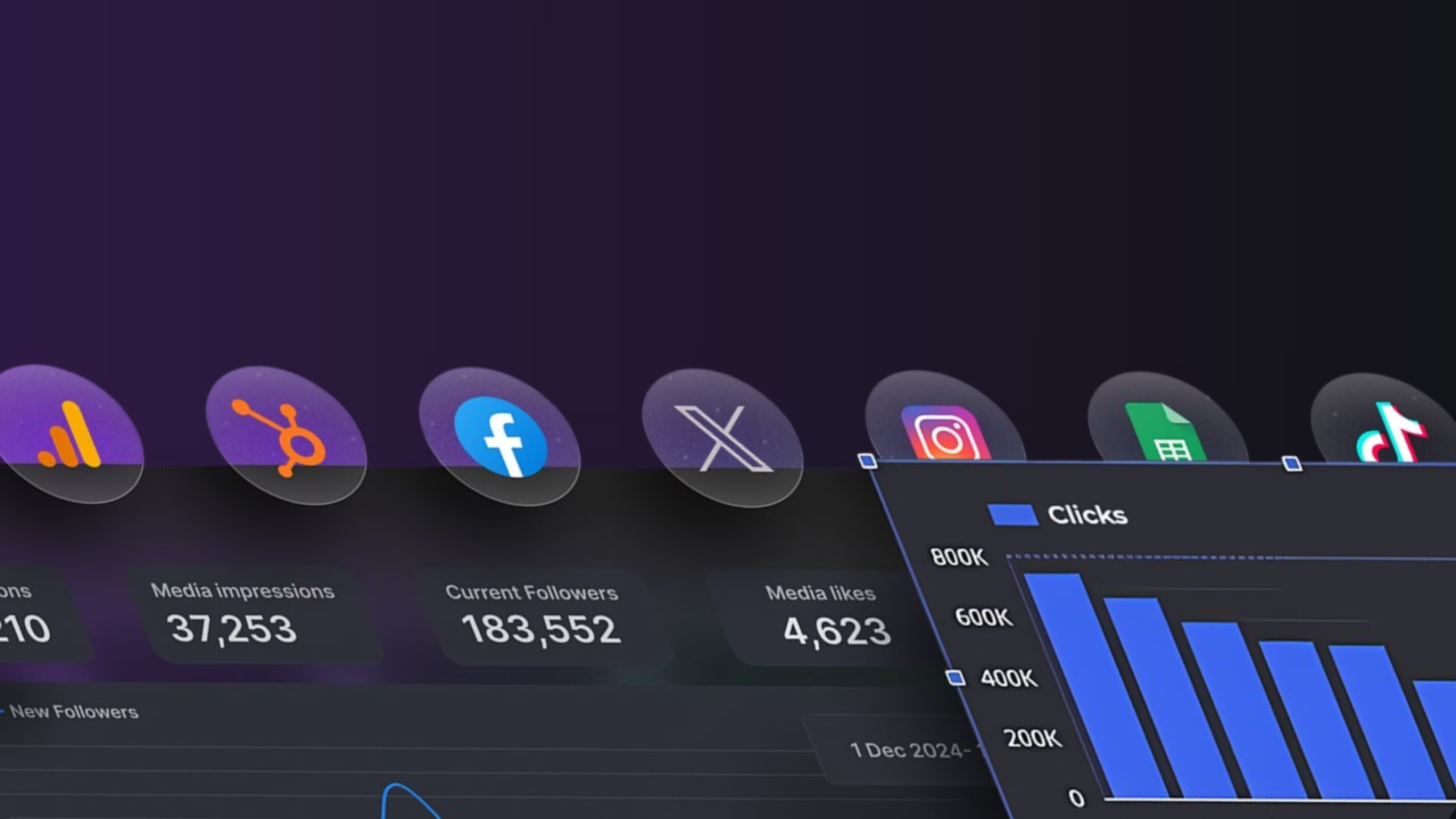
Multi-platform attribution: Add Facebook Ads, LinkedIn, TikTok, or any of 50+ platforms to see complete cross-channel journeys in one view. Every source updates on the same schedule.
Broken tracking alerts: Get notified when gclid parameters go missing, "(not set)" traffic spikes above 15%, or conversions suddenly drop 30%+ week-over-week.
For a detailed comparison of manual vs automated approaches: GA4 Native Import vs Dataslayer: Which Wins for Ad Data?
Stop Choosing Between Platforms
Google Ads shows campaign performance in isolation. GA4 shows how those campaigns fit into complete customer journeys, including organic, social, email, and direct traffic.
The marketers who make smart budget decisions aren't trusting one platform blindly. They're building unified dashboards that reconcile both and reveal which channels actually drive revenue.
Get Your Attribution Dashboard (Choose Your Path)
Path 1: Free DIY Approach
Download pre-built Looker Studio templates. You'll manually connect Google Ads and GA4, set up refresh schedules, and maintain formulas when APIs change. Get free templates
Path 2: Automated + Supported ⭐ Most Popular
Connect once, updates automatically. Includes 50+ data sources, broken tracking alerts, and support when you need it. 15-day trial, cancel anytime. Start free trial (setup in 15 min)
Path 3: See It Live First
15-minute demo showing real client dashboards, variance calculations, and multi-platform attribution. No sales pitch, just show you how it works. Book quick demo
Still deciding? Read this detailed comparison of manual reporting vs automation: GA4 Native Import vs Dataslayer.



