



If you want to ask "which Meta campaigns got best ROAS last week?" and get actual numbers from your ad account, you need to connect your AI assistant to your marketing platforms first.
This guide shows you how to connect ChatGPT, Claude, or Mistral to Dataslayer using the Model Context Protocol (MCP). Takes 10 minutes per platform, no coding required.
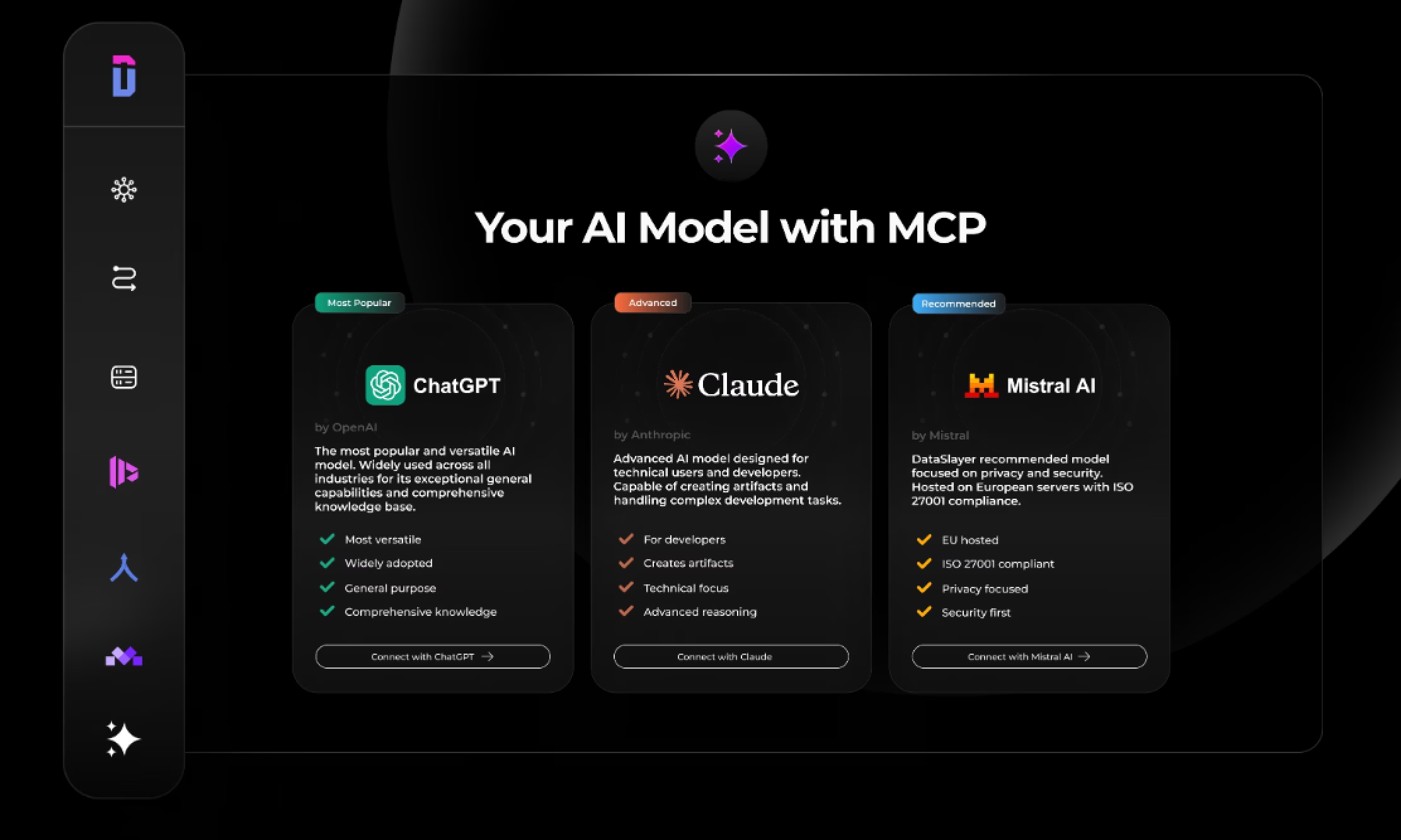
Pick Your AI Platform
ChatGPT pulls data fast, gives straightforward answers. Good if your team already uses it daily. Needs Plus or Pro subscription ($20/month), developer mode required, and web only.
Claude provides detailed analysis beyond just numbers. Best for complex questions: multi-platform attribution, trend analysis. Also $20/month for Pro/Team, and works in web, desktop, and mobile. Since Anthropic created the Model Context Protocol, Claude's integration tends to be most reliable.
Mistral offers free tier with MCP support, the only platform that does. EU-hosted servers matter for GDPR data residency. Works everywhere once connected.
Your Dataslayer account connects to whichever you pick. Some teams use ChatGPT for quick checks, Claude for deep analysis, Mistral for compliance queries.
Before starting:
- Dataslayer Advanced plan or higher (MCP available from €99/month)
- At least one marketing platform connected (connect here)
- Paid ChatGPT/Claude subscription or free Mistral account
- 10 minutes
ChatGPT Setup (Web Only)
Log into ChatGPT on browser. Mobile doesn't support MCP yet.
Enable Developer mode:
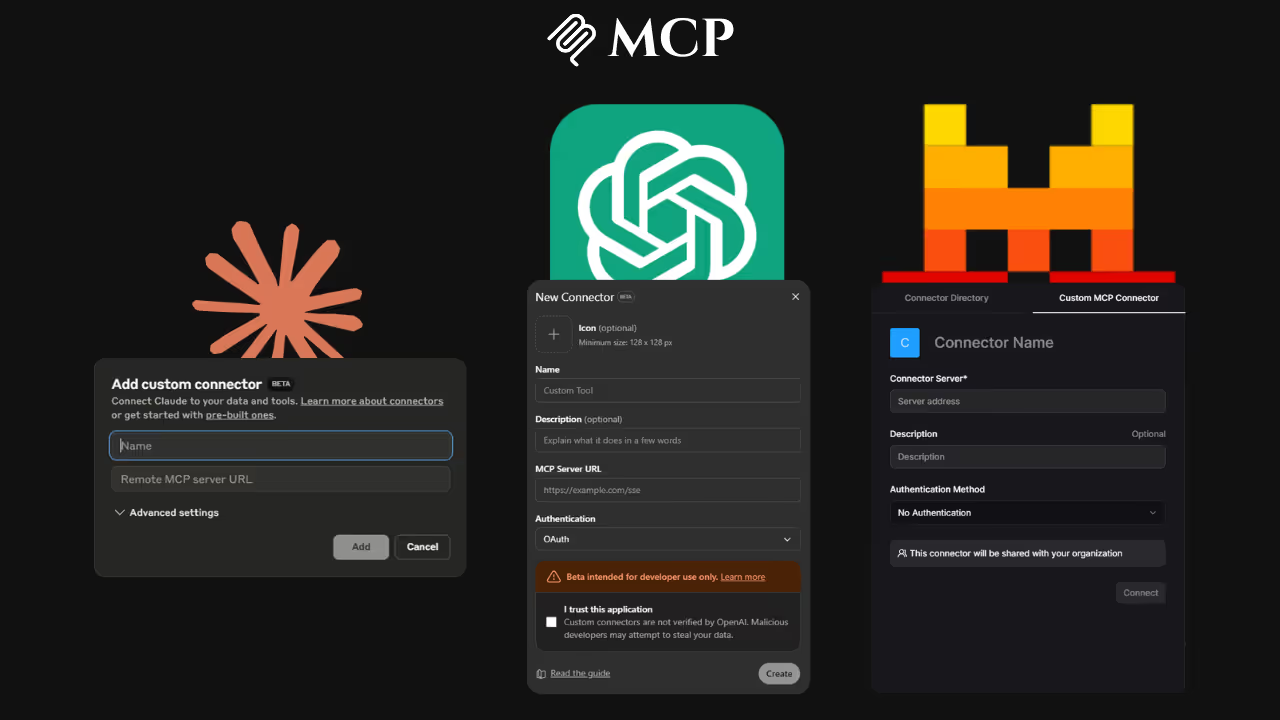
Profile icon (bottom-left) → Settings → Apps & Connectors → Advanced settings → Toggle Developer mode ON
Without this, MCP options won't appear. It's in beta according to OpenAI's developer documentation.
Add server:
Apps & Connectors → Create
Fill exactly:
- Server Name:
Dataslayer - Server URL:
https://agents.dataslayer.ai/mcp - Authentication:
OAuth2.1 - Check "I trust this application"
Click Create.
Authenticate:
Dataslayer login popup appears. Enter credentials. After auth, "Dataslayer" shows under connected servers with "Active" status.
Test:
New chat, then:
Using the Dataslayer MCP connector, show me Google Ads spend last 7 days
You'll see your actual campaign data in a table.
ChatGPT quirk: Might say connector "can't be used for search." Ignore it. Dataslayer provides data actions, not search. Message doesn't mean broken.
Claude Setup (All Devices)
Log into Claude.ai on web or desktop.
Add connector:
Profile icon (bottom-left) → Settings → Connectors → Add custom connector
Form:
- Connector's name:
Dataslayer - MCP Server URL:
https://agents.dataslayer.ai/mcp
One typo breaks it. Copy exactly.
Click Add.
Connect:
Find "Dataslayer" in connectors list. Click Connect.
Login popup appears. Enter Dataslayer credentials. Green checkmark or "Connected" status appears after login.
Test:
Using Dataslayer, show Meta Ads spend and ROAS last 30 days
Claude gives numbers plus analysis explaining what they mean.
Mobile:
Once web/desktop setup is done, automatically works on Claude iOS/Android apps. Settings → Connectors → Sign in to Dataslayer.
Mistral Setup (Free Tier Works)
Open chat.mistral.ai in browser.
Navigate:
Toggle panel (left sidebar) → Intelligence menu → Connectors
Add:
- Add Connector → Custom MCP Connector
Form:
- Connector Name:
Dataslayer - Connection server:
https://agents.dataslayer.ai/mcp - Description: Whatever (like "Marketing Data")
- Authentication:
OAuth2.1
Click Connect.
Auth:
Mistral prompts for Dataslayer login. Enter credentials. Dataslayer appears in My Connectors.
Enable:
Create new chat. Click tools icon at bottom. Toggle Dataslayer connector ON.
Test:
Pull LinkedIn Ads data last 14 days using Dataslayer. Show spend, impressions, CTR.
Mistral advantage: EU-hosted infrastructure. Matters for GDPR data residency requirements.
Writing Better Queries
Specific queries get better results across all three platforms.
Vague query:
Show ad data
Better query:
Using Dataslayer, get Meta Ads for account "Example Co" in January 2026.
Show spend, impressions, CPC, conversions grouped by campaign, sorted by spend.
What to include:
- Platform name (Google Ads, Meta, LinkedIn)
- Account name if you have multiple
- Date range ("last 7 days", "January 2026", "this month")
- Specific metrics (spend, ROAS, CPC, conversions, CTR)
- Grouping (by campaign, by ad set, by day)
- Sorting preference (highest spend, best ROAS, most conversions)
Example queries to try:
Compare Meta CTR vs LinkedIn CTR for campaigns with $500-1000 daily budget last monthShow Google Ads campaigns that spent over $1000 but got fewer than 50 conversions in JanuaryWhich TikTok audiences have lowest CPA and ROAS above 2.5?Create a table comparing my top 5 Google Ads campaigns vs top 5 Meta campaigns by ROAS,
include total spend and conversion count for each
These complete in seconds versus logging into multiple platforms, exporting CSVs, and building spreadsheets manually.
How Dataslayer MCP Compares to DIY
You could build your own MCP server to connect AI to marketing platforms. Here's what that involves:
Building your own MCP server:
- 40+ hours coding OAuth authentication for each platform
- Maintaining OAuth tokens that expire every 60-90 days
- Manually standardizing metrics across platforms (Facebook's "CPA" calculation differs from Google's "Cost per conversion")
- Building security infrastructure and audit logging
- Debugging API rate limits and version changes when platforms update
- Developer cost: €3,000-5,000 one-time, plus ongoing maintenance
Using Dataslayer MCP:
- 10 minutes connecting pre-configured platforms
- Automatic OAuth token refresh
- Metrics already standardized across 50+ sources
- ISO 27001/27701 certified security built-in
- Zero maintenance. Dataslayer handles API updates
- Cost: From €99/month (includes Advanced plan features + AI Insights)
Dataslayer MCP availability:
MCP access for ChatGPT, Claude, and Mistral is included in Dataslayer's Advanced plan and above (starting at €99/month). This includes:
- AI Insights features (MCP, Custom GPT, AI Alerts)
- Data blending across platforms
- 7 connectors of your choice
- 10 users
- 50 accounts
- 100K monthly rows for enterprise destinations
Plans scale up to Pro (10 connectors, unlimited users, 100 accounts) and custom Business plans for larger teams. → Compare all plans and pricing
Platform Comparison: Same Query, Different Results
Ran this on all three: "Show Google Ads campaigns with ROAS above 3.0 last week"
ChatGPT: Clean table, brief summary. Fast. Good for quick answers when you know exactly what you want.
Claude: Table plus detailed analysis explaining why those campaigns performed well, patterns in audience behavior, and suggestions for next steps. Best when you need interpretation.
Mistral: Fast straightforward results with EU data hosting. Free tier good for testing before committing to paid AI subscription.
According to HubSpot's 2025 State of Marketing, 60% of marketers use AI daily (up from 37% in 2024). Most report saving 1-5 hours weekly on reporting tasks.
Common Setup Problems
"Can't find Connectors or Developer mode option"
ChatGPT and Claude require paid subscriptions. ChatGPT needs Plus/Pro. Claude needs Pro/Team. Only Mistral works with free tier.
"Connection fails when I click Connect"
Check the server URL for typos. Common mistakes: extra spaces, missing https://, typos in "agents" or "dataslayer".
"Login popup doesn't appear"
Browser might be blocking popups. Add the AI platform to your browser's allowed sites.
"AI says it can't access my data"
Verify you've connected at least one marketing platform in your Dataslayer account. Empty accounts can't return data.
"Connector shows as disconnected after working"
Try disconnecting and reconnecting. Go to Settings → Connectors → Dataslayer → Disconnect, then connect again.
Security and Audit Trails
Your advertising account credentials never pass through AI assistants. This is actual data flow:
- You ask AI a question
- AI sends structured query to Dataslayer (not raw credentials)
- Dataslayer queries your platforms using your OAuth permissions
- Results go back to AI
- Nothing is stored. Queries are on-demand only
Every query creates an audit log entry showing: user ID, timestamp, data accessed, query parameters.
Dataslayer maintains ISO 27001 (information security management) and ISO 27701 (privacy information management) certifications. For teams handling EU customer data or subject to GDPR, Mistral + Dataslayer provides end-to-end EU-hosted infrastructure.
Managing Your MCP Connections
To disconnect:
- ChatGPT: Settings → Apps & Connectors → Dataslayer → Disconnect
- Claude: Settings → Connectors → Dataslayer → Three dots → Disconnect
- Mistral: Connectors → My Connectors → Dataslayer → Menu → Disconnect
To reconnect: Follow the same setup process.
To update server URL: Remove old connection, add new one with updated details.
Connections stay active while both your AI subscription and Dataslayer subscription are current. No need to reconnect each session.
Which Platform to Actually Use
After testing with marketing data queries:
- ChatGPT if your team already uses it daily and wants fast data pulls combined with other ChatGPT work (writing, research, brainstorming).
- Claude if you need analytical depth, complex multi-step attribution questions, trend analysis, pattern recognition across platforms.
- Mistral if you need EU-hosted infrastructure for compliance, want to test MCP free before paying for AI subscription, or work with budget constraints.
You can connect all three. Your Dataslayer account works with whichever AI platform you choose.
Next Steps
After your 10-minute setup, you'll ask questions in natural language instead of:
- Logging into 5 different ad platforms
- Exporting CSVs from each one
- Combining data in spreadsheets
- Building pivot tables
- Creating charts manually
Try these starter queries:
What's my total ad spend across all platforms this month?Show my top 10 campaigns by conversion countWhich platform delivers best CTR for campaigns under $50 daily budget?
For more on how Model Context Protocol works with different AI platforms:
- How MCP is Unlocking Claude's Potential for SEO and Marketing
- How the Model Context Protocol is Changing ChatGPT
- MCP in ChatGPT vs Claude vs Mistral: Which is Best?
Pick your AI. Connect in 10 minutes. Ask instead of export.



