


.avif)
GMV Max became mandatory for TikTok Shop advertising in September 2025. The system attributes all sales from promoted products: paid conversions, organic views, and affiliate traffic to your campaign performance. TikTok Shop hit $33.2 billion in global GMV during 2024, and early adopters report 30% higher GMV with GMV Max compared to manual Video Shopping Ads. This guide covers setup, the 6 metrics that predict success, and how to compare performance across advertising channels.
TikTok Shop GMV Max vs Traditional TikTok Shop Ads
What Changed in September 2025
TikTok discontinued Video Shopping Ads and Product Shopping Ads. Every TikTok Shop advertiser now runs GMV Max. You set a daily budget and ROI target, TikTok's algorithm selects creative, finds audiences, and optimizes placements automatically.
The shift happened because manual campaign management couldn't handle TikTok Shop's scale. Brands needed a system that could test hundreds of creative variations (your organic TikToks, affiliate partner videos, Spark Ads content) across multiple placements (For You feed, Shop Tab, Search results, Pangle network) simultaneously.
What makes GMV Max fundamentally different: it counts organic and affiliate-driven sales toward campaign metrics. If someone discovers your product through an affiliate's organic post during your campaign period and purchases, that sale shows up in your GMV Max dashboard. Traditional Facebook Ads or Google Ads wouldn't attribute that conversion.
There are two campaign types. Product GMV Max runs continuously for catalog promotion. Use it for products generating at least $1,500 in GMV over the past 7 days according to TikTok's setup guidelines. LIVE GMV Max promotes livestream shopping events, typically launched 5-7 days before your broadcast to build viewership.
Campaign Setup (The Steps That Break Most Launches)
Log into TikTok Ads Manager, navigate to Campaign → Create → GMV Max Ads. If that button appears grayed out, you either lack admin permissions or your ad account isn't authorized for GMV Max in your Business Center settings.
Product Selection Triggers Shop-Wide Ad Pauses
You can promote all products or select up to 50 specific ones. When you publish:
- Promoting everything: All Video Shopping Ads and Product Shopping Ads pause across every ad account connected to your shop
- Promoting specific products: Only ads featuring those exact products pause, but this happens across all ad accounts
This shop-wide pause behavior catches agencies managing multiple client campaigns. Coordinate with anyone who touches your shop's advertising before launching to avoid killing their active tests.
ROI Targets Should Start Conservative
TikTok suggests an ROI target based on your shop's sales history, typically between 1.5x and 2.5x for shops without established GMV Max data. Don't push for aggressive targets on day one. If TikTok recommends 2.0x, start at 1.5x or 1.7x. Create additional campaigns with higher targets once you understand how the system performs with your product mix.
Targets above 3.0x rarely qualify for ROI Protection, TikTok's feature that credits your account when campaigns underperform their ROI goal.
Creative Authorization Kills More Campaigns Than Budget
GMV Max sources videos from three places:
- Your official TikTok account's organic posts with product links (requires authorization for ad use)
- Affiliate creators' videos featuring your products
- Spark Ads in your Creative Library with product tags
Most campaigns fail here. Not all content auto-loads. In Seller Center, go to Shop Ads → Manage Account → Available TikTok Accounts. Missing creators mean they haven't authorized ad usage in their account settings.
Campaigns with fewer than 10 authorized videos get stuck in learning phase. Launch with 15-20 videos minimum. If you don't have that many, delay launch and focus on authorizing existing content first.
The 6 Metrics to Check Every Day
Data lives in two places: Ads Manager and Seller Center (Shop Ads tab). Use Seller Center as your source of truth because it captures complete organic and affiliate attribution that Ads Manager sometimes shows incomplete.
1. Net Cost (Billed Cost) vs Total Cost
Total Cost includes ad credits and promotional funds. Net Cost shows what actually charged your payment method. When comparing GMV Max ROI to Facebook ROAS or Google Ads ROAS, use Net Cost. Otherwise you're inflating efficiency with free money.
2. Orders (SKU Count)
Tracks individual product orders. One transaction with three different products = three SKU orders. This differs from transaction count, which would register as one order.
3. Gross Revenue
Sum of all attributed revenue: customer payment minus sales tax, plus any discount codes applied. Includes paid ad conversions + organic views + affiliate sales for every product you promoted. Your GMV Max revenue appears higher than Facebook or Google Ads revenue for the same budget because you're measuring the full impact, not just click-through conversions.
4. Cost Per Order
Total Cost ÷ Orders. This calculation includes organic orders in the denominator. If your ads generate significant organic lift (people see promoted products in organic content and buy), your CPO looks better than pure paid-advertising CPO from other platforms. Different measurement systems produce different numbers.
5. ROI Multiple
(Gross Revenue ÷ Total Cost) expressed as a multiplier. ROI of 2.8 means every $1 in spend generated $2.80 in attributed revenue across paid, organic, and affiliate channels. When your boss compares this to a Facebook campaign showing 1.9 ROAS, remember Facebook only counts paid conversions. GMV Max's number should run higher because it measures more.
6. Creative Status Distribution
Click into any campaign → Product and Creatives Reporting. Videos split into categories:
- Delivering: Currently active in rotation (your winners)
- Authorization Recommended: Generated orders but aren't cleared for ad use. Check this 2-3 times weekly
- Boosting: Using Creative Boost budget allocation
- Boosted: Finished Creative Boost testing, didn't graduate to regular delivery
The Authorization Recommended tab matters most. These are proven converters GMV Max wants to promote but legally can't until you authorize them.
Why GA4 Shows Different Numbers
Your GMV Max order count won't match Google Analytics, Shopify analytics, or most other tracking systems. GMV Max uses same-day attribution and only counts TikTok Shop checkout completions, while GA4 typically uses 7-30 day attribution windows and tracks purchases across all channels. GMV Max also includes organic lift from promoted content that your other analytics platforms categorize as "organic social" rather than paid advertising. Stop trying to reconcile these to the penny. Use GMV Max metrics to optimize TikTok Shop campaigns, use GA4 for overall business decisions. Both can be correct simultaneously because they measure different things.
Creative Volume Predicts Campaign Lifespan
Campaigns spending under $500 weekly need 2-3 new authorized videos per week. Spending $1,000-5,000 weekly requires 5-7 new videos. Above $5,000 weekly demands 10+ fresh videos every week.
Most shops already have 20-50 usable videos that haven't been authorized yet. Before commissioning new content: review organic posts from the past 90 days with product links, check which affiliate creators generate engagement but don't appear in Available TikTok Accounts, and look through unused Spark Ads in your Creative Library.
Once you've authorized existing assets, partner with 3-5 micro-influencers (10,000-50,000 followers) in your product category. Send free products in exchange for shoppable content they authorize for advertising. This costs less than production studios and generates more authentic creative that converts.
Three Problems That Kill Performance
Campaign won't spend budget: Normal for the first 5 days while GMV Max tests creative combinations. If daily spend stays below 20% of your budget after 5 days, either lower your ROI target by 0.5x or add 5-10 more authorized videos.
Strong week 1-2, declining week 3-4: Creative fatigue. Add new content immediately. Set a recurring Friday calendar reminder to authorize 3-5 new videos every week. Make this non-negotiable if you're spending four figures monthly.
ROI Protection never activates: Requirements include minimum 10 active creatives, no mid-campaign pauses, no budget changes exceeding 50%, ROI target within 0.5x of TikTok's recommendation, and minimum 7-day runtime. Meet all requirements but still don't see the green shield? Contact TikTok Ads support for account-specific review.
Comparing Performance Across Advertising Platforms
To evaluate how TikTok Shop performs against Facebook Shop, Instagram Shopping, or Google Shopping, pull all data into one dashboard with standardized metrics and matching date ranges.
From TikTok Ads, extract:
- Cost (Billed) as true spend
- Orders (SKU) as conversion count
- Gross Revenue as attributed revenue
- Campaign Automation Type to isolate only GMV Max campaigns
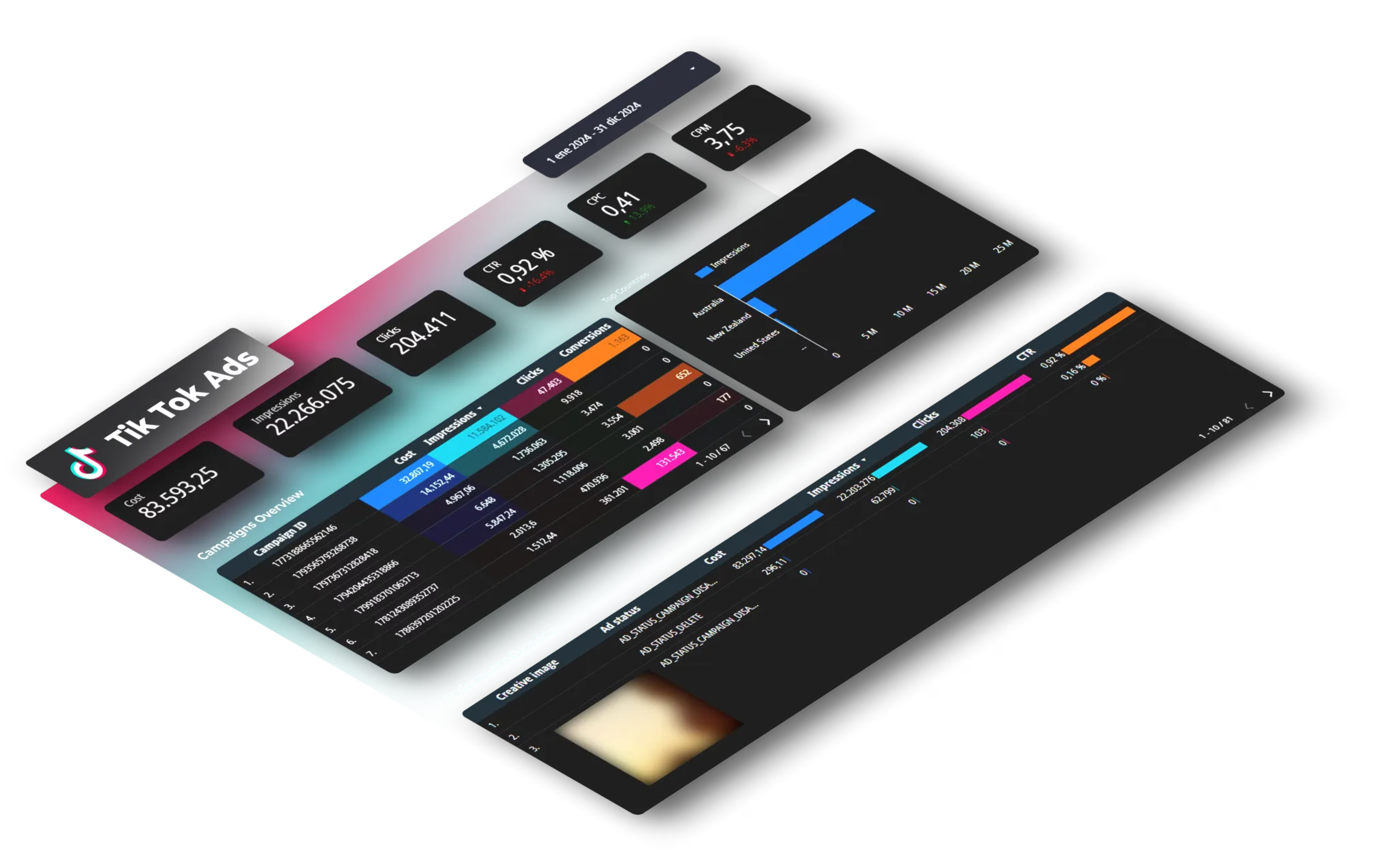
You can export manually from Ads Manager each week (Campaign Performance report, customize columns for GMV Max fields). For daily automated refreshes, tools like Dataslayer connect TikTok Ads directly to Google Sheets or Looker Studio. This lets you combine TikTok Ads with Google Ads, Meta Ads, and 40+ sources in unified dashboards with synchronized date ranges.
Once you view TikTok Shop performance alongside other channels with consistent metrics, you'll spot which channel combinations drive the highest incremental revenue and where budget should shift. Related: TikTok Shop Analytics 2025 covers the full metrics framework beyond advertising.
FAQ
When should I use Product GMV Max vs LIVE GMV Max?
Product GMV Max runs 24/7 for continuous product promotion. LIVE GMV Max promotes specific livestream events. Standard approach: maintain Product GMV Max always-on, then launch LIVE GMV Max 5-7 days before scheduled broadcasts. They work together. LIVE drives event viewership and immediate purchases during streams, Product captures intent throughout the rest of the week.
Can I still run manual ads for some products?
Yes. Creating GMV Max for specific products automatically pauses any Video Shopping Ads or Product Shopping Ads featuring those products across all ad accounts. You can continue manual campaigns for products not included in GMV Max. Common setup: put top 20 bestsellers in GMV Max for automation, manually manage new product launches where you want precise control over timing and messaging.
Why do Ads Manager and Seller Center show different numbers?
Data processing timing and attribution calculation delays. Seller Center includes complete organic and affiliate attribution that Ads Manager sometimes displays as "pending." Always reference Seller Center as your source of truth. Ads Manager can lag 2-4 hours behind during high-traffic periods.
What happens if I change my primary ad account?
Your existing GMV Max campaigns pause immediately and permanently. If you disconnect your TikTok Shop from Business Center or switch which ad account is designated as primary, all campaigns in the previous primary account stop. They won't restart automatically. Create new campaigns after fixing account connections. Document your primary account setup and restrict who can modify these settings.
What to Do This Week
Launch one Product GMV Max campaign promoting your 10-20 best-performing products. Run it for 30 days using TikTok's recommended ROI target (or 0.3-0.5x below for conservative testing). Authorize at least 15 videos before publishing. Add 3-5 new authorized videos every week. Put this on your calendar as a recurring task.
After 30 days, analyze which products generated majority of revenue, segment into performance tiers, and decide whether to expand product count or increase budget for proven winners.
If you're managing advertising across multiple platforms and need consolidated reporting, try Dataslayer free for 15 days to connect TikTok Ads, Meta Ads, Google Ads, and 50+ platforms to Google Sheets, Looker Studio, BigQuery, or Power BI.



